
Filter by Category in Mexico
Latest Cameras in Mexico
 Puerto Aventuras
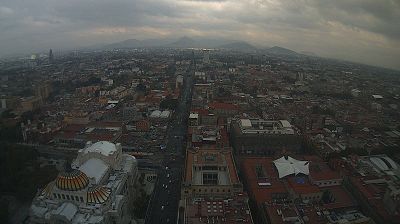
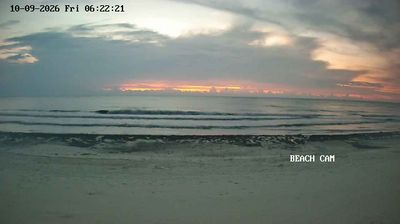
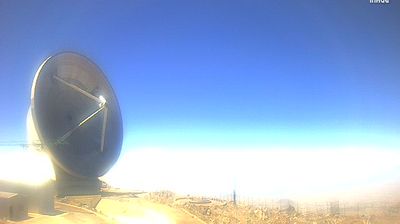
Explore Regions in Mexico
Why Visit Mexico Virtually?
Planning a trip to Mexico? Or maybe you just miss home? Our curated list of live streams provides high-quality views of the local regions and cities. Check the live weather, see what locals are up to, and enjoy the beautiful views 24/7.
About Mexico
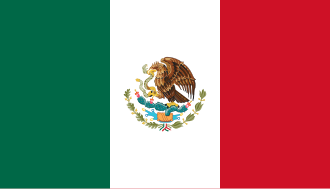
Mexico, officially the United Mexican States, is a country in North America. It is the northernmost country in Latin America and borders the United States of America to the north, and Guatemala and Belize to the southeast; while having maritime boundaries with the Pacific Ocean to the west, the Caribbean Sea to the southeast, and the Gulf of Mexico to the east. Mexico covers 1,972,550 km2, and is the thirteenth-largest country in the world by land area. With a population exceeding 130 million, Mexico is the tenth-most populous country in the world and is home to the largest number of native Spanish speakers as of 2020. Mexico City is the capital and largest city in Mexico, which ranks among the most populous metropolitan areas in the world.
📖 Read more on Wikipedia