Kos › Oost
 Kos, Griekenland
Real-Time Environment
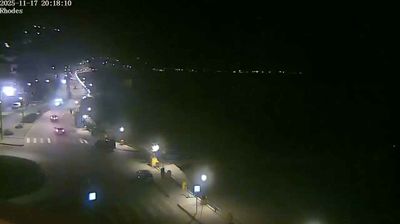
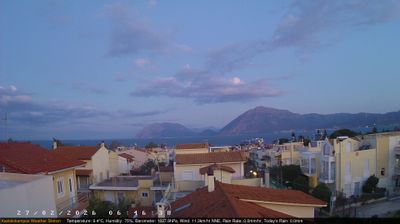
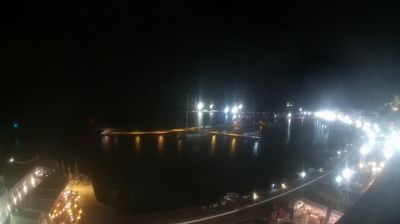
Welcome to the live streaming webcam for Kos › Oost, perfectly situated in the vibrant region of Kos, Griekenland. Watching this live camera allows you to instantly experience the local atmosphere and monitor current climate conditions.

About Kos
Kos is een eiland in het oosten van de Egeïsche Zee, dat tot Griekenland behoort. Kos is het op twee na grootste eiland van de Dodekanesos, de Twaalf Eilanden. De hoofdstad van het eiland is de gelijknamige plaats Kos, aan het noordoosten van het eiland. Het eiland speelde in de klassieke oudheid een rol van betekenis. De arts en filosoof Hippocrates, de schilder Apelles, de criticus Philitas en de farao Ptolemaeus II Philadelphus waren afkomstig van Kos. Verschillende ruïnes zoals het Asklepieion en het gymnasion herinneren aan deze tijd. Kos is in de loop van de geschiedenis in Egyptische, Byzantijnse, Genuaanse, Ottomaanse en Italiaanse handen geweest.
📖 Read more on Wikipedia📍 Location Facts
-
Country
 Griekenland
- Region Egeïsche Eilanden
- City Kos
- Coordinates 36.8998°N, 27.2858°E
Have you been to Kos?
Help the community! Share your experience, tell us about the weather, or upload your own photos from this exact location.